Product video, from a single photo.
Short product videos lift listings and feed social — but filming every SKU is where most shops stop. Luvelano generates short product videos from your own images, with the product kept exactly identical in every frame.
Jewelry & watches · Furniture & interior
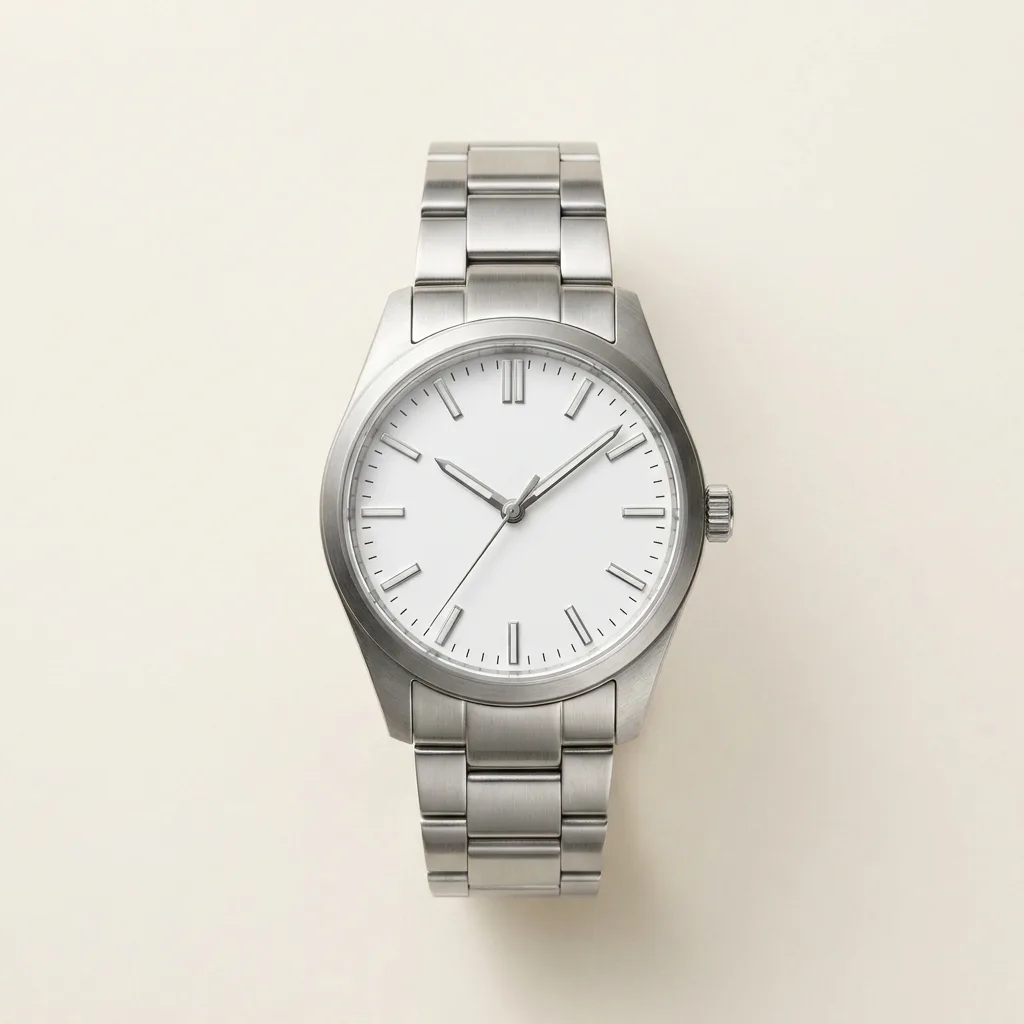 After
After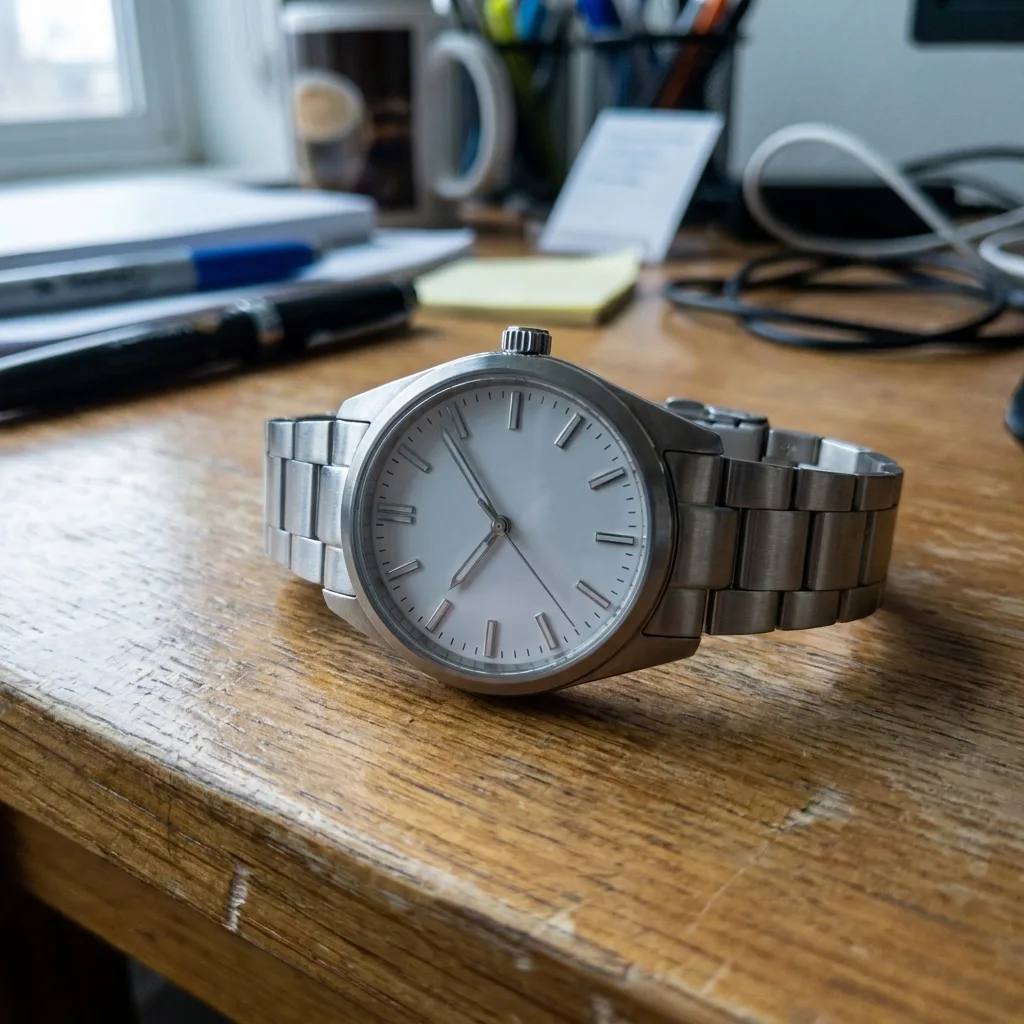 Before
Drag to compare — real Luvelano output
How to make product videos that sell
A product video is not a commercial. The versions that convert are short, quiet and honest — closer to a moving packshot than a film.
- 01
Start from your best still
The strongest first frame is your cleanest packshot or lifestyle image. If the still does not sell the product, motion will not save it.
- 02
One message per clip
Show the material, or the mechanism, or the scale — not all three. Cut separate clips for separate points.
- 03
Keep it short
Six to ten seconds covers a listing loop and a social clip. Attention is spent in the first two seconds; front-load the product.
- 04
The product must stay identical
Generated video can drift — stones change shape, seams move. Check every frame against the real product, and reject anything that morphs. Luvelano enforces this rule by design.
- 05
Export per channel
Square or portrait for social, landscape for product pages, silent by default with the message readable without sound.
Upload your product photo, pick a direction, and Luvelano generates the clip — short, quiet, and with the product kept exactly identical throughout.
Start free — no card neededFrom snapshot to shelf in three steps
No new gear, no learning curve. Luvelano does the studio work for you.
Upload your photo
One plain phone photo of your product is enough — no gear, no setup.
Pick a look
Studio packshot, lifestyle scene or on-model shot — you choose the output.
Publish
Download catalogue-ready images in minutes and put them straight on your shop.
Start free, upgrade when your shop grows
Paid plans from €19/month for your whole catalogue. Cancel anytime.
Frequently asked
What is an AI product video?
A short product clip generated from still images instead of a filmed shoot. You upload your product photo; the motion, light and scene are generated around it while the product itself stays identical.
Does the product warp or change during the video?
That is the failure mode of generic video generators, and the reason Luvelano checks output against the original: shape, colour and detail must match the photo you uploaded. The product never changes.
Which formats do I get?
Short clips suitable for product pages and social — portrait and square aspect ratios, silent by default.
Explore more solutions
See your own products transformed
Upload one photo and watch Luvelano stage it in seconds. Free to start — no card required.
Get started free