Furniture photography, staged in a real room.
Furniture is too big for a light tent and too dull against a blank wall. Upload one photo and Luvelano returns a clean packshot or a styled room scene — with the piece kept exactly identical.
Jewelry & watches · Furniture & interior
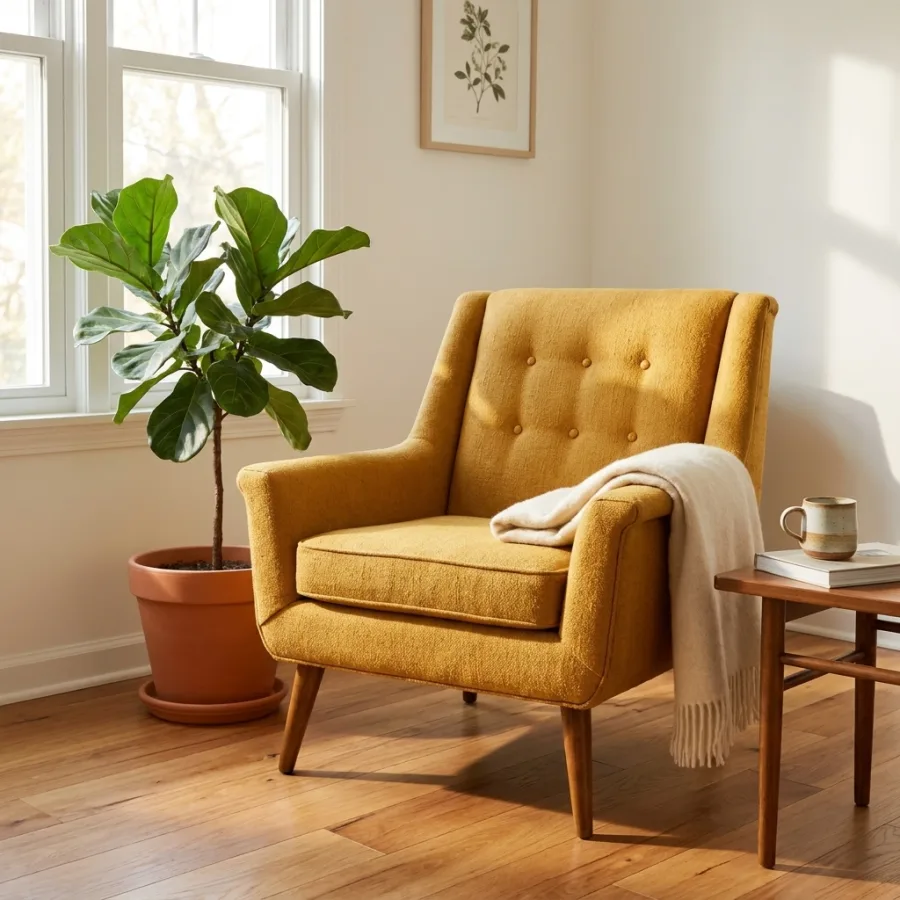 After
After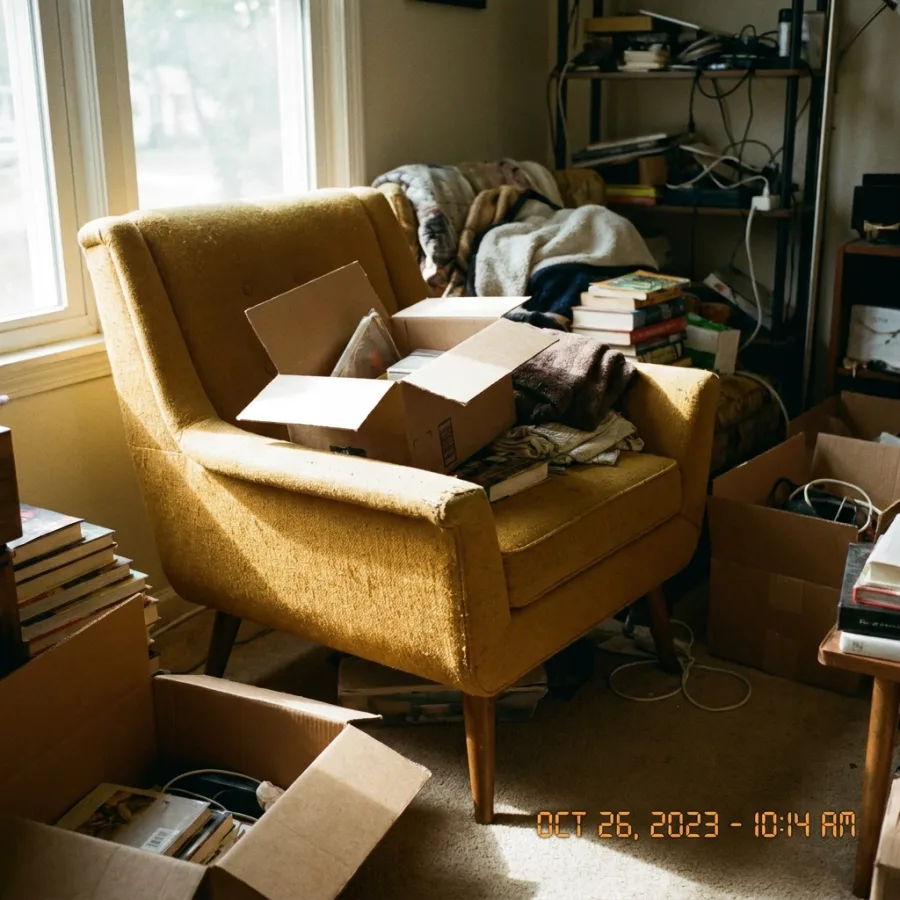 Before
Drag to compare — real Luvelano output
How to photograph furniture for your webshop
Furniture is too big for a light tent, so it comes down to light size and framing. These steps cover the essentials.
- 01
Use one big, soft light
A large window or a big diffused source wraps around the piece and shows its material honestly. Avoid small hard lamps that throw harsh shadows.
- 02
Shoot at the product's height
Point the camera at roughly the middle of the piece and keep it level, so legs and lines stay straight instead of leaning.
- 03
Clear and neutralise the space
Remove clutter and shoot against a plain wall or floor. A calm background keeps attention on the piece and makes clean cut-outs easier.
- 04
Show scale and material
Include a simple reference or a styled corner so buyers grasp the size, and get close on the upholstery or grain so the texture is clear.
- 05
Keep colour consistent
Set one white balance and reuse it across the range, so every product photo on your shop matches.
Short on space or time? Upload one photo and Luvelano returns a clean packshot or a styled room scene — the piece kept exactly identical.
Start free — no card neededFrom snapshot to shelf in three steps
No new gear, no learning curve. Luvelano does the studio work for you.
Upload your photo
One plain phone photo of your product is enough — no gear, no setup.
Pick a look
Studio packshot, lifestyle scene or on-model shot — you choose the output.
Publish
Download catalogue-ready images in minutes and put them straight on your shop.
Packshot and lifestyle from one photo
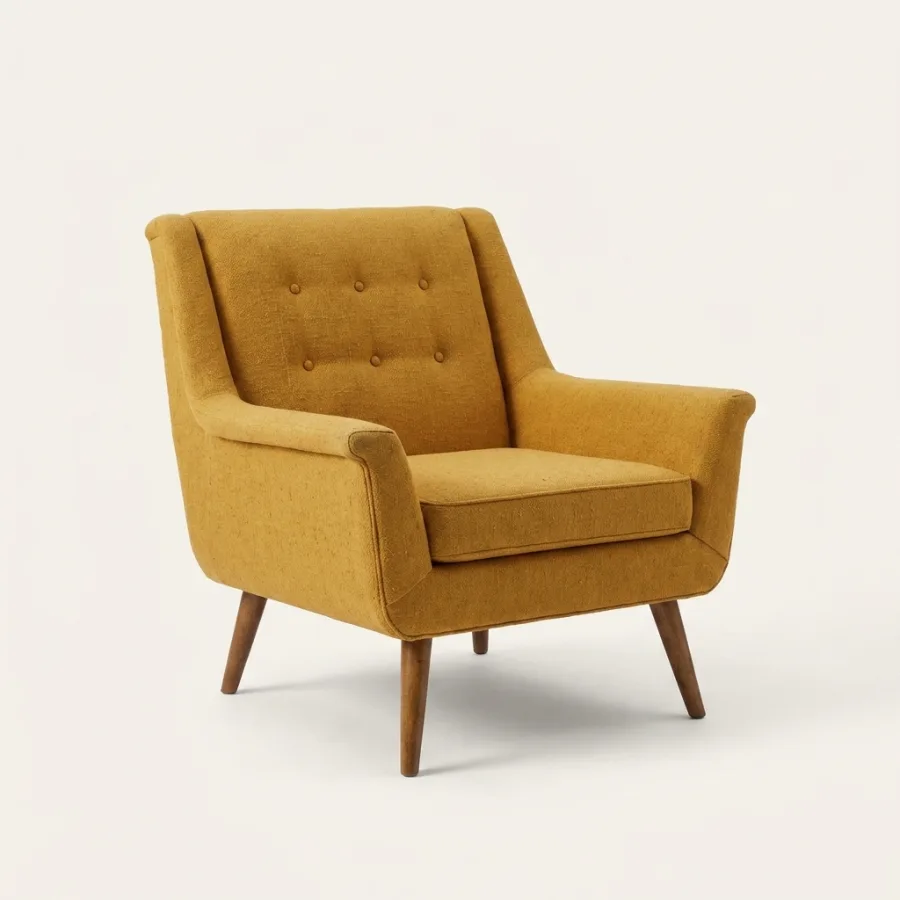
The same lounge chair as a clean catalogue cut-out and staged in a furnished room — the frame, upholstery and proportions stay identical.
Start free, upgrade when your shop grows
Paid plans from €19/month for your whole catalogue. Cancel anytime.
Frequently asked
How do I photograph furniture for my webshop?
Take one clear photo of the piece, upload it, and Luvelano gives you a clean packshot or a styled room scene — no warehouse studio or set dressing needed.
Will the piece stay accurate?
Yes. The frame, upholstery, colour and proportions are kept identical; only the room and light change.
Can I place it in different room styles?
Yes. Restage the same piece in several interiors, which is also useful for virtual staging of a whole room.
Explore more solutions
See your own products transformed
Upload one photo and watch Luvelano stage it in seconds. Free to start — no card required.
Get started free