Packshots for your webshop, from the photos you already have.
A packshot is a clean, distraction-free product image on a plain background — the workhorse of every listing. Upload one honest phone photo and Luvelano returns a studio packshot with your product kept exactly identical.
Jewelry & watches · Furniture & interior
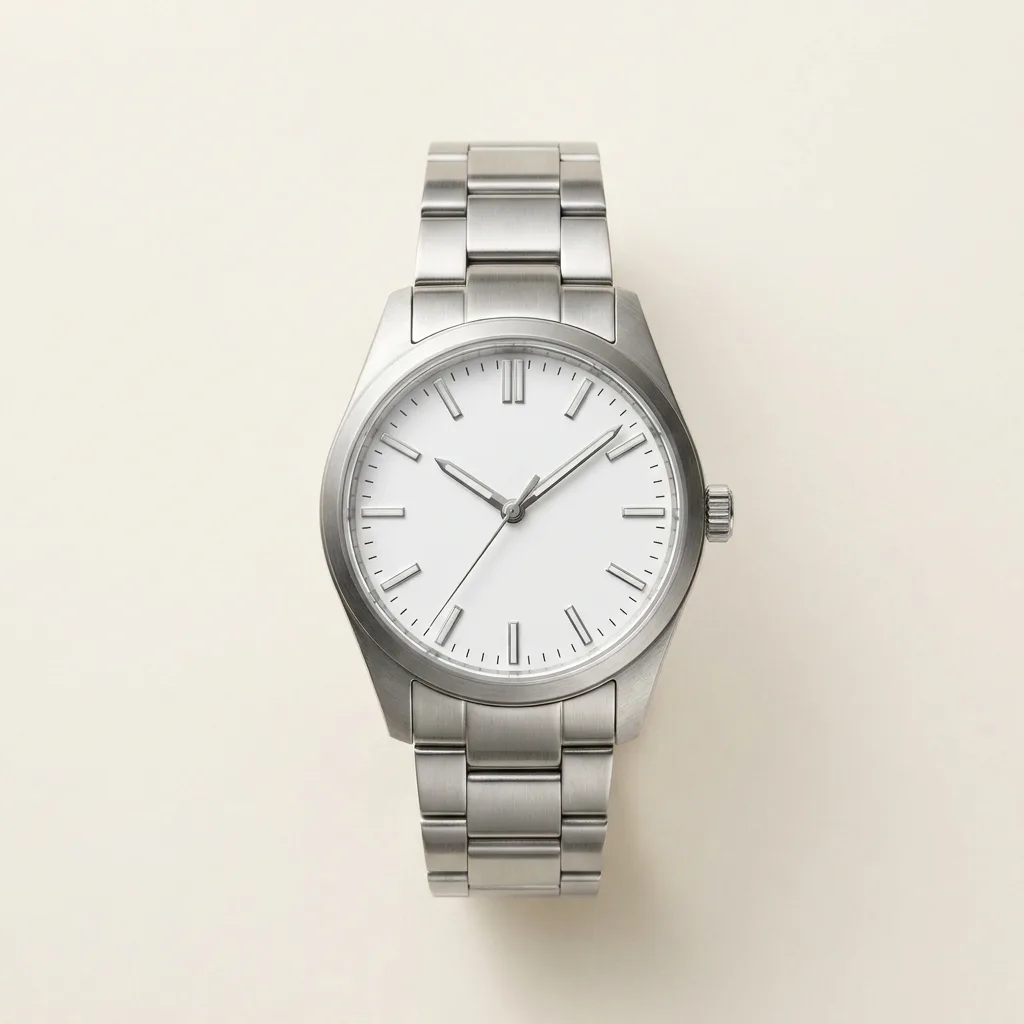 After
After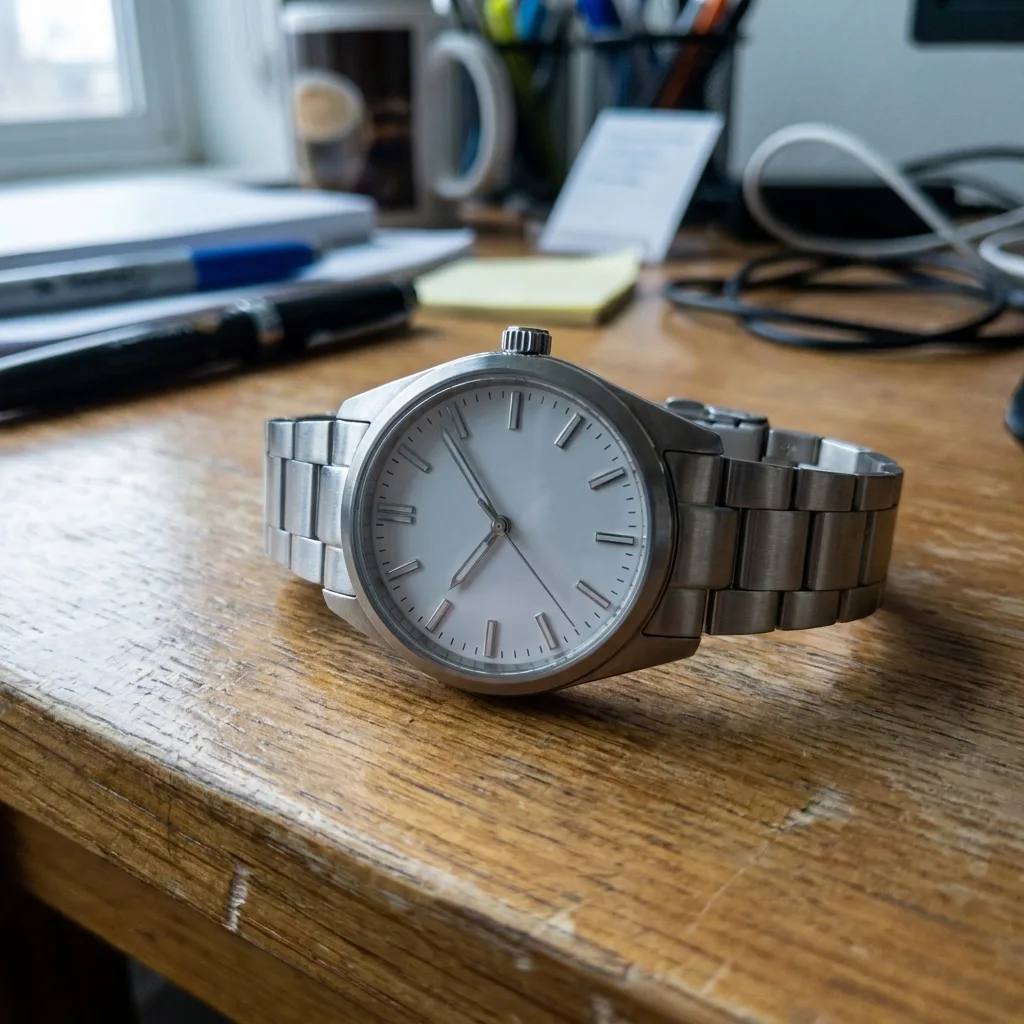 Before
Drag to compare — real Luvelano output
What makes a good packshot
Packshot photography is deliberately unglamorous: the product, a plain background, even light. That restraint is exactly what makes it hard to get consistent. The rules below cover most of it.
- 01
Keep the background plain and even
White or light neutral, no texture, no gradient falling into shadow. The product should look placed, not cut out — a soft contact shadow keeps it grounded.
- 02
Light the product, not the scene
Soft, even light from two sides removes harsh shadows and keeps metal and glass readable. A window plus a white bounce card gets you most of the way.
- 03
Fix one angle per category
Decide the standard view once — watches at ten-past-ten, chairs at three-quarter — and shoot every product in the category the same way. Consistency is what reads as professional.
- 04
Leave room to zoom
Shoot or export with the long side at 2000 px or more. Marketplaces zoom on hover and customers zoom on mobile; a soft packshot fails exactly there.
- 05
Correct the colour last
A packshot's job is accuracy. Fix white balance so the product's colour matches what ships — that is also the promise Luvelano runs on: the product never changes.
Or skip the setup: upload the photo you already have and Luvelano returns the packshot — plain background, even light, your product kept exactly identical.
Start free — no card neededFrom snapshot to shelf in three steps
No new gear, no learning curve. Luvelano does the studio work for you.
Upload your photo
One plain phone photo of your product is enough — no gear, no setup.
Pick a look
Studio packshot, lifestyle scene or on-model shot — you choose the output.
Publish
Download catalogue-ready images in minutes and put them straight on your shop.
Packshots across niches
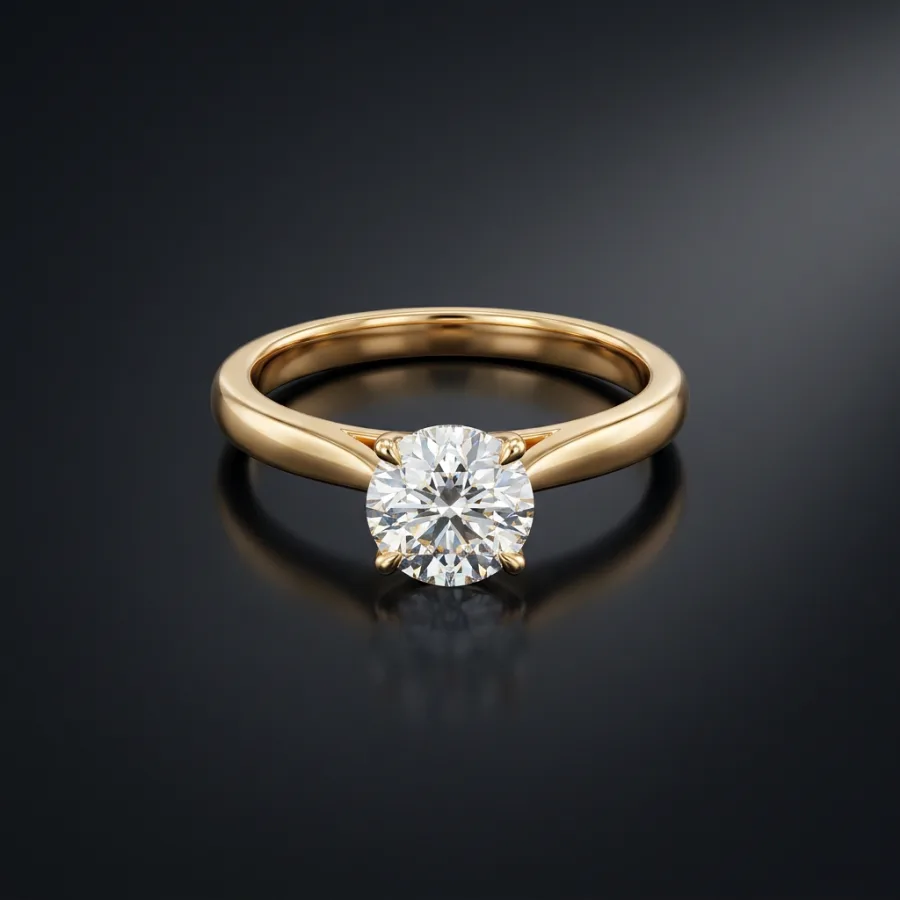
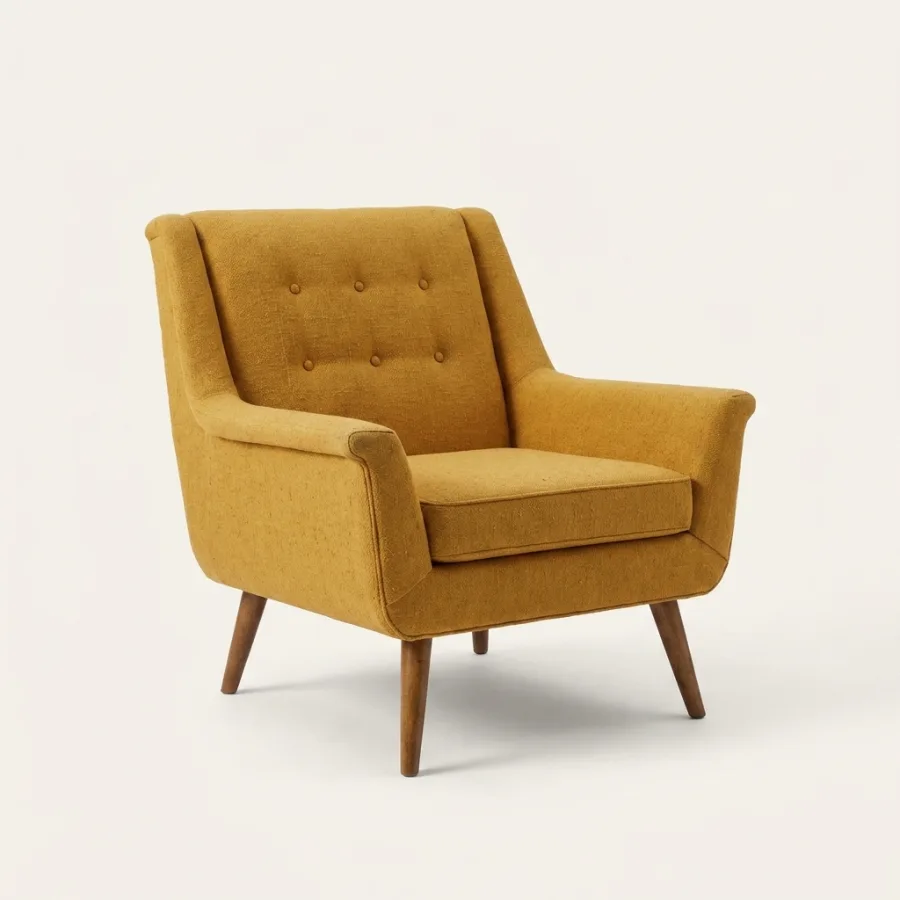
The same treatment works from a ring to a lounge chair: plain background, even light, product identical.
Start free, upgrade when your shop grows
Paid plans from €19/month for your whole catalogue. Cancel anytime.
Frequently asked
What is a packshot?
A packshot is a clear product image on a plain, usually white background, showing the product exactly as it ships — no props, no scene. It is the standard main image for webshops and marketplaces.
What is the difference between a packshot and a lifestyle photo?
A packshot isolates the product on a plain background for accuracy; a lifestyle photo shows it in context — worn, placed in a room, in use. Most listings need both.
How do I make packshots without a studio?
Upload a plain phone photo and Luvelano generates the packshot: clean background, even light, consistent framing — with the product kept exactly identical.
See your own products transformed
Upload one photo and watch Luvelano stage it in seconds. Free to start — no card required.
Get started free