Jewelry photoshoot ideas you can run from one photo.
A jewelry photoshoot does not need a studio day. Here are the shots worth having — studio, on-model, lifestyle, macro — and how to get each one from a single phone photo, with the piece kept exactly identical.
Jewelry & watches · Furniture & interior
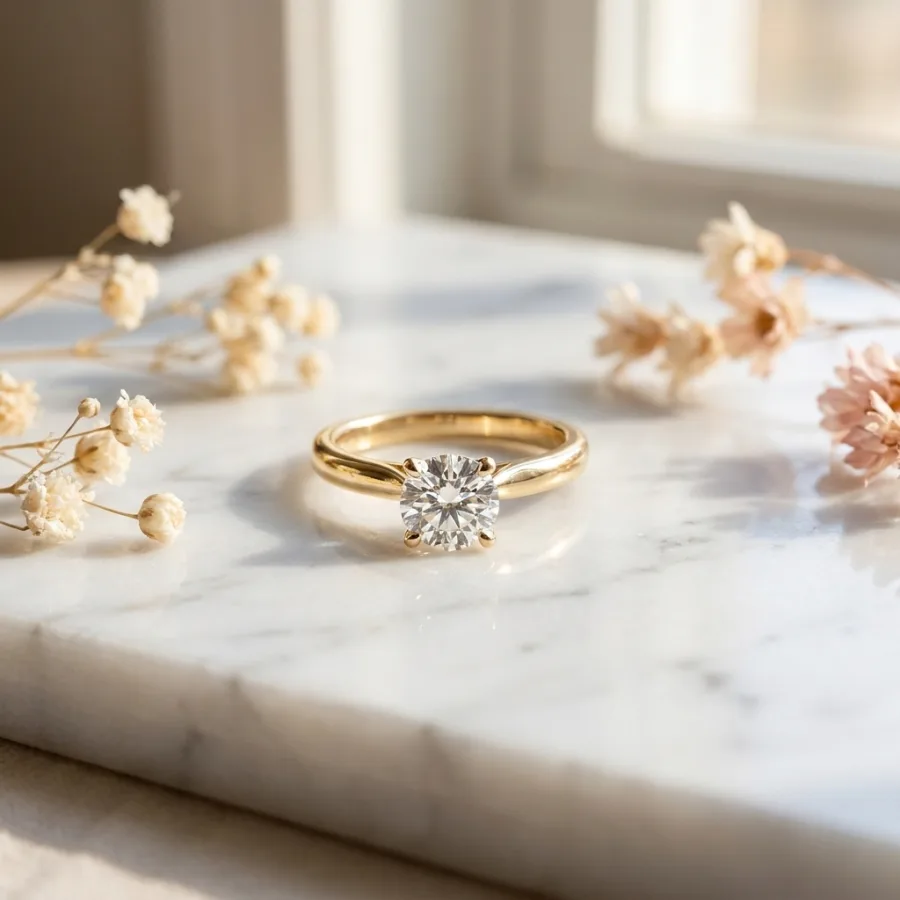 After
After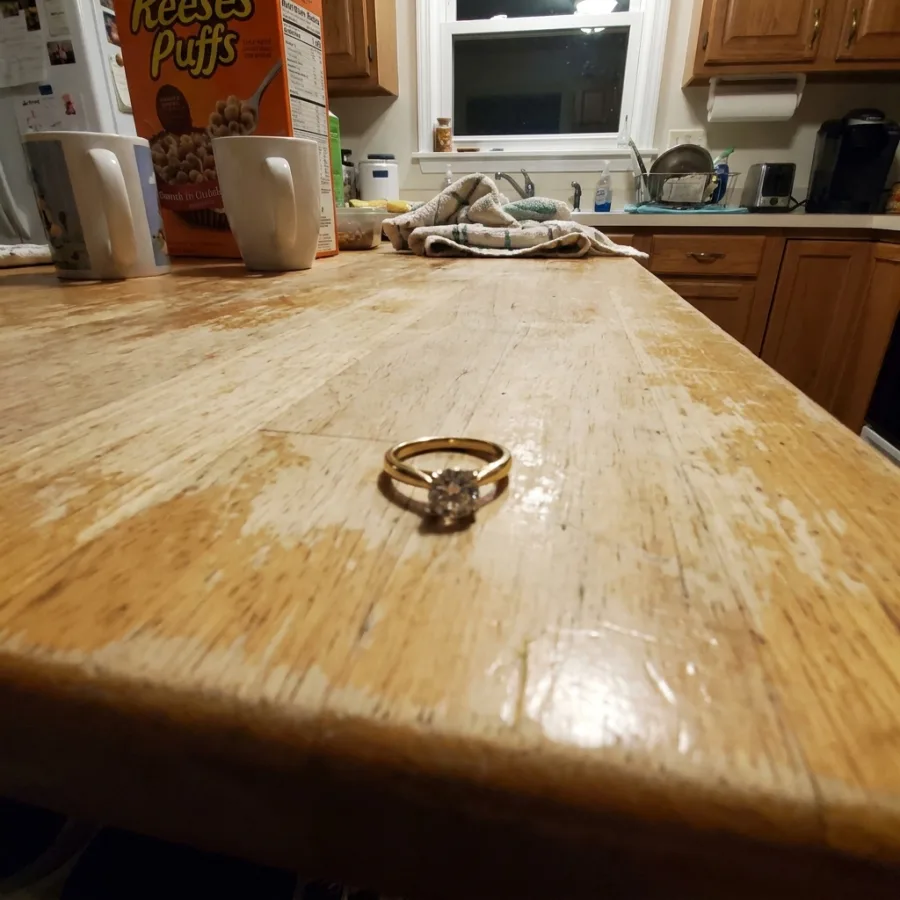 Before
Drag to compare — real Luvelano output
Six jewelry photoshoot ideas that sell
Most jewelry grids need the same handful of shots. Pick the ones your listings are missing — each works as a physical setup or as a generated shot from one photo.
- 01
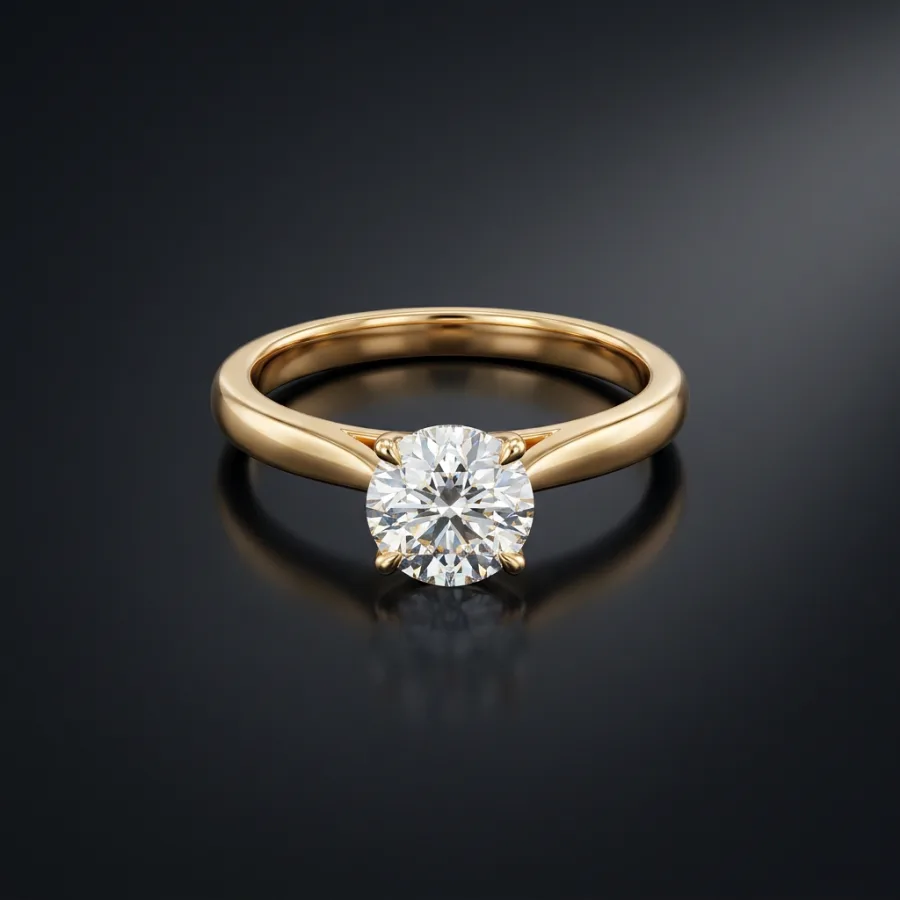
The clean studio packshot
The piece on plain paper, soft light, sharp focus on the stone. This is the main image and the anchor for everything else.
- 02
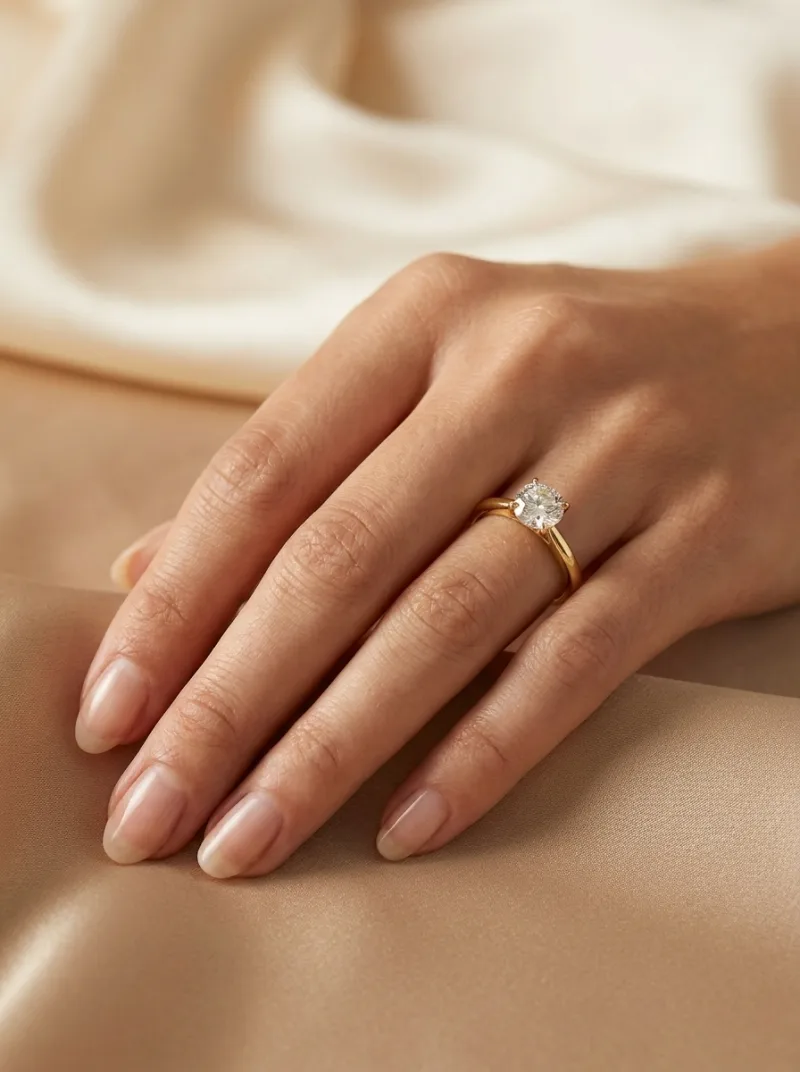
Worn on the hand
Scale and desirability in one shot. Physically this means a hand model and patience; generated, the exact piece is placed on a designed model's hand.
- 03
The styled scene
The piece on marble, linen or a vanity, with one or two quiet props. Keep the palette neutral so the metal and stones carry the colour.
- 04
The macro detail
Close enough to show the setting, the clasp, the texture. This is the shot that answers quality doubts before they are asked.
- 05
The campaign shot
Model, mood and styling around the piece — the image for your homepage and social, not the listing grid.
- 06
The consistent series
Whatever you pick: repeat it identically across the collection. A grid with one look sells the brand, not just the piece.
Run the whole shoot from one upload: Luvelano generates the packshot, the worn shot, the scene and the detail — with the piece kept exactly identical in every image.
Start free — no card neededFrom snapshot to shelf in three steps
No new gear, no learning curve. Luvelano does the studio work for you.
Upload your photo
One plain phone photo of your product is enough — no gear, no setup.
Pick a look
Studio packshot, lifestyle scene or on-model shot — you choose the output.
Publish
Download catalogue-ready images in minutes and put them straight on your shop.
One ring, a full shoot
The same gold diamond ring as a packshot, in a styled scene, and worn on the hand — every version keeps the identical stone and setting.
Start free, upgrade when your shop grows
Paid plans from €19/month for your whole catalogue. Cancel anytime.
Frequently asked
What do I need for a jewelry photoshoot at home?
Physically: soft window light, plain paper, a microfibre cloth and a steady phone. Or upload one honest photo and generate the studio, worn and lifestyle shots from it.
Can I run a jewellery photoshoot without a model?
Yes. Luvelano places the exact piece on a designed model, so you get on-hand and campaign shots without booking anyone.
Does the piece stay identical across the shoot?
Yes. Stone, metal and setting are kept identical in every generated image — only the light, scene and model change.
Explore more solutions
See your own products transformed
Upload one photo and watch Luvelano stage it in seconds. Free to start — no card required.
Get started free