Jewelry product photography, shot on your kitchen table.
Rings, necklaces and earrings are hard to photograph — small, reflective, fiddly. Upload one honest phone photo and Luvelano returns a clean studio packshot or a lifestyle scene, with the piece kept exactly identical.
Jewelry & watches · Furniture & interior
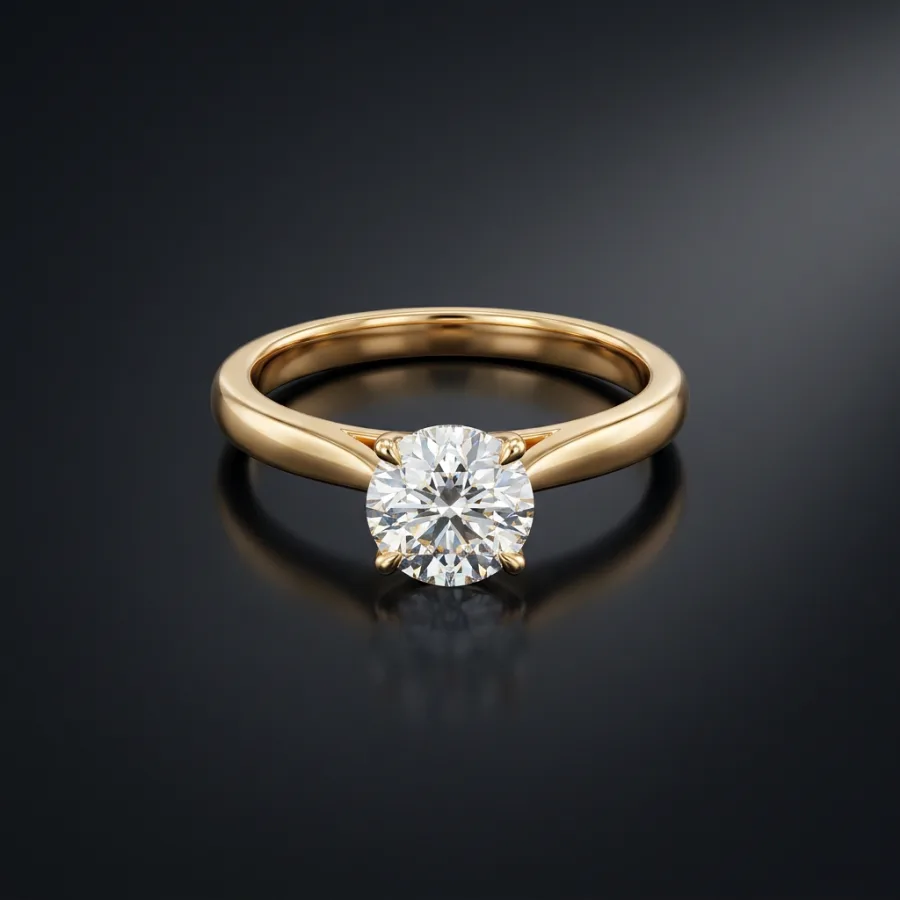 After
After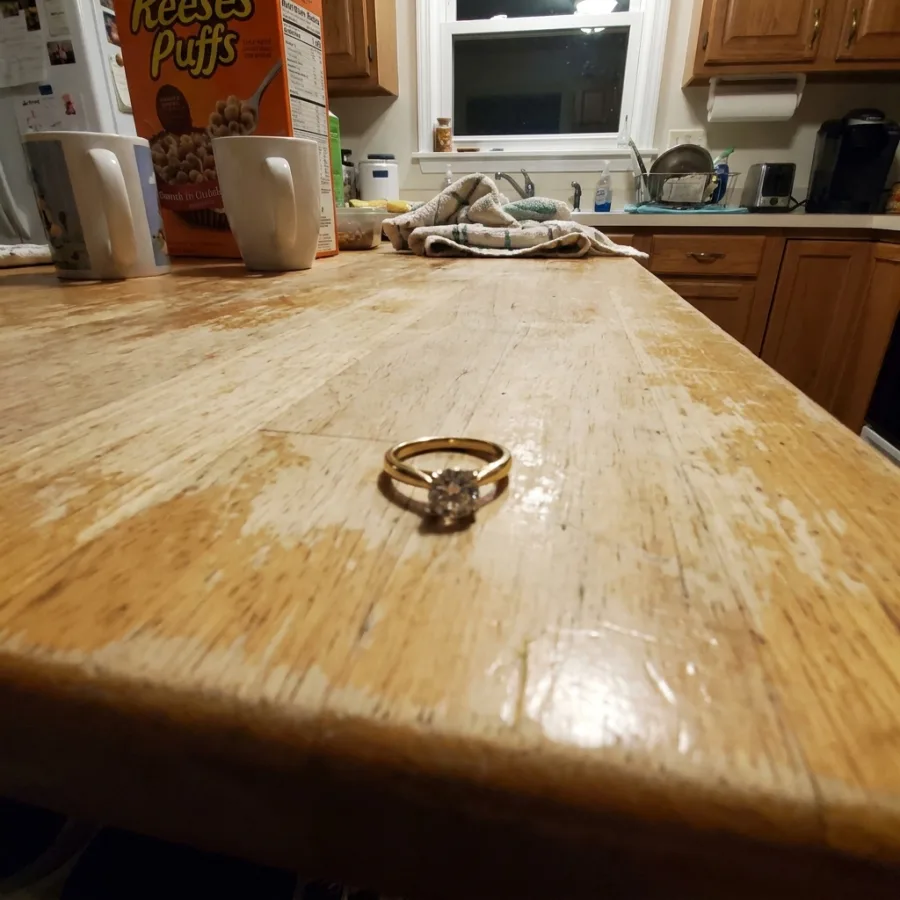 Before
Drag to compare — real Luvelano output
How to photograph jewelry for your webshop
A few habits fix most jewelry photos — no macro rig required. Here is the short version.
- 01
Clean the piece first
Fingerprints and dust show up huge on camera. Wipe the metal and stones with a microfibre cloth right before you shoot.
- 02
Soften your light
Hard light blows out gemstones and metal. Shoot near a window with a sheer curtain, or bounce a lamp off white card, so the light wraps around the piece.
- 03
Keep the background plain
A sheet of neutral paper or card removes distractions. White or light grey reads cleanest for most metals and keeps the focus on the piece.
- 04
Steady the camera and focus close
Rest your phone on a small tripod or a stack of books, tap to focus on the stone, and use the timer so nothing shakes.
- 05
Fix the white balance last
Jewelry looks wrong when the colour cast is off. Correct the white balance in your phone editor so silver looks silver and gold looks gold.
Prefer to skip the setup entirely? Upload one honest phone photo and Luvelano returns a clean studio packshot — the piece kept exactly identical.
Start free — no card neededFrom snapshot to shelf in three steps
No new gear, no learning curve. Luvelano does the studio work for you.
Upload your photo
One plain phone photo of your product is enough — no gear, no setup.
Pick a look
Studio packshot, lifestyle scene or on-model shot — you choose the output.
Publish
Download catalogue-ready images in minutes and put them straight on your shop.
From packshot to worn on the hand
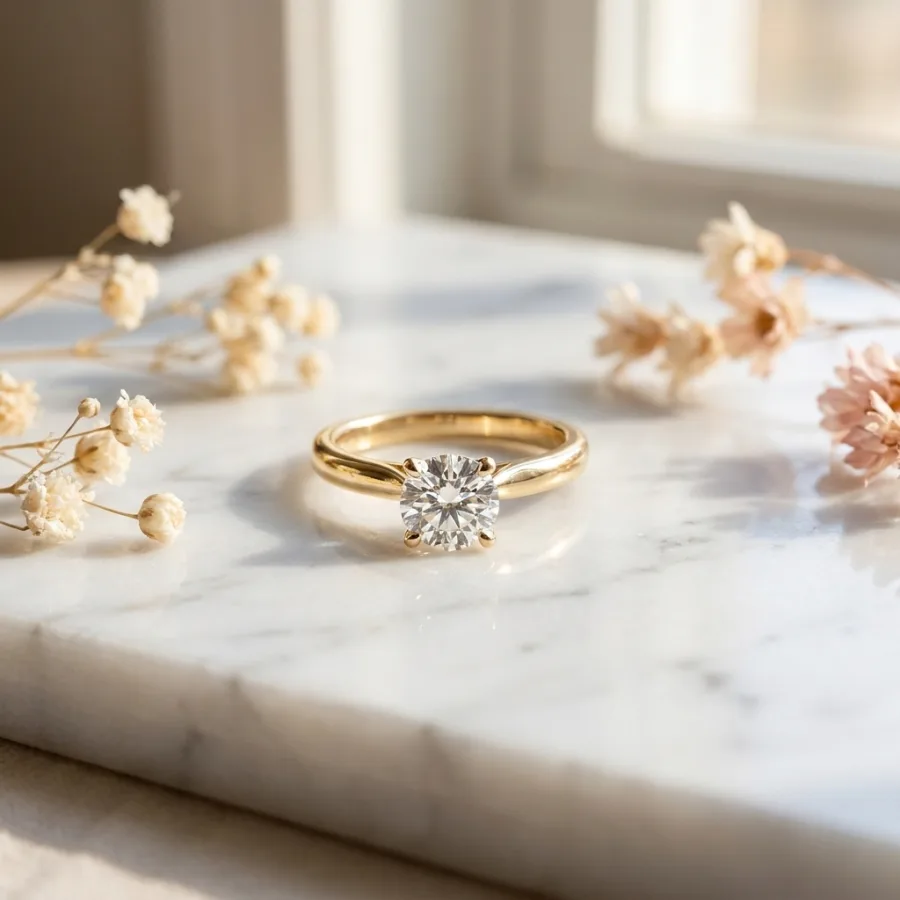
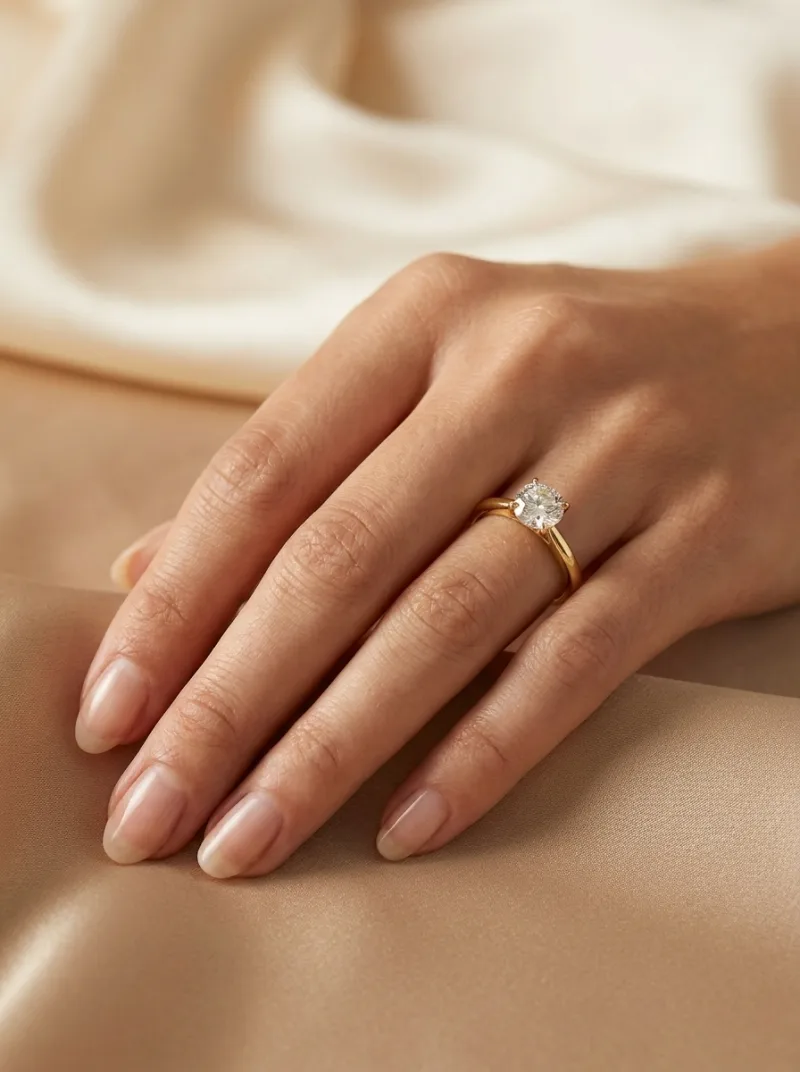
The same ring as a clean catalogue packshot, in a styled lifestyle scene, and worn by a designed model — every version keeps the exact same stone and setting.
Start free, upgrade when your shop grows
Paid plans from €19/month for your whole catalogue. Cancel anytime.
Frequently asked
How do I photograph jewelry for my webshop?
Take one clear phone photo in daylight, upload it, and let Luvelano handle the studio work — clean background, even light, sharp detail. No lightbox or macro lens needed.
Will the diamond and setting stay accurate?
Yes. The stone, metal and setting are kept identical; only the lighting and background change. Customers see the real piece.
Can I show the jewelry being worn?
Yes. Beyond packshots, Luvelano can place the exact same piece on a designed model, so you get on-hand and campaign shots from the same upload.
Explore more solutions
See your own products transformed
Upload one photo and watch Luvelano stage it in seconds. Free to start — no card required.
Get started free