Watch product photography without a light tent.
Watches are all reflections — steel, glass and dial fight your phone camera. Upload one photo and Luvelano returns a clean packshot with even light and true colour, keeping the case, dial and bracelet exactly identical.
Jewelry & watches · Furniture & interior
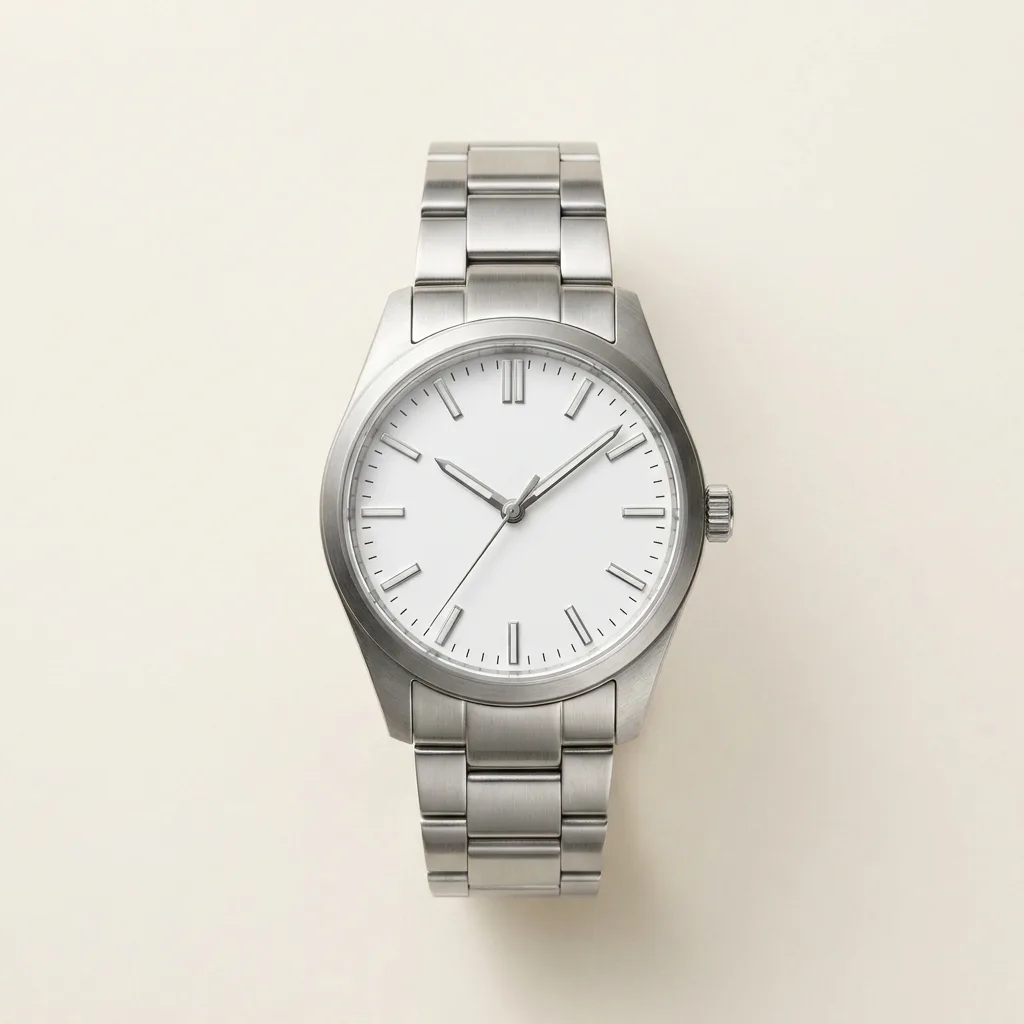 After
After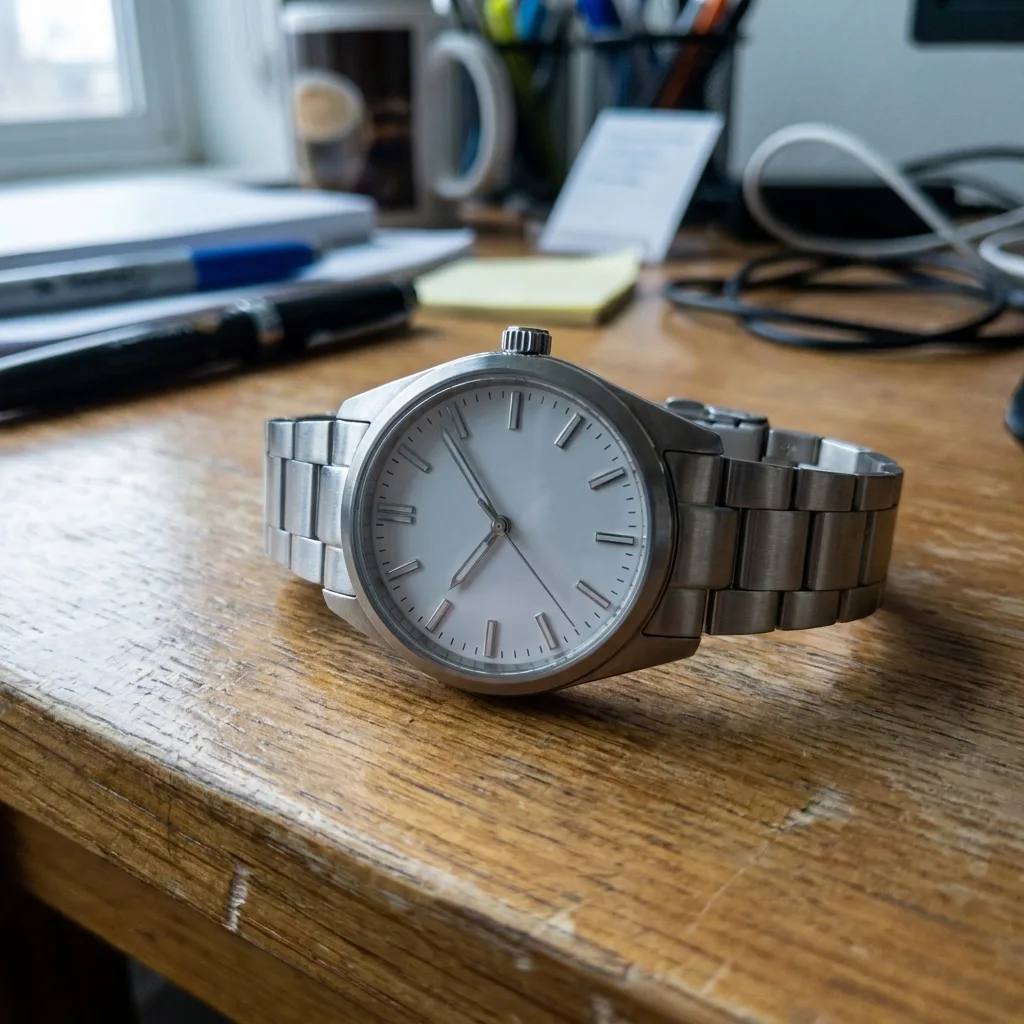 Before
Drag to compare — representative Luvelano output
How to photograph a watch without a light tent
Watches are mostly reflection management. A handful of steps gets you a clean shot from a phone.
- 01
Control the reflections
Steel and glass mirror everything around them. Surround the watch with white card on the sides and above, leaving a small gap for the camera, so it reflects clean white instead of your room.
- 02
Angle to kill hotspots
Tilt the watch or your light slightly until the bright glare on the crystal and case moves off the dial. Small shifts make a big difference.
- 03
Set the hands
For a still shot, set the time to roughly 10:10 so the hands frame the dial and do not cover the logo or date.
- 04
Use a plain background and steady phone
A neutral surface and a tripod — or a stack of books — keep the watch sharp and the frame calm. Tap to focus on the dial.
- 05
Correct the colour
Phone photos of steel often come out warm or blue. Fix the white balance in your editor so the metal reads neutral.
Rather not fight the reflections? Upload one photo and Luvelano returns a clean packshot with even light and true colour — case, dial and bracelet kept exactly identical.
Start free — no card neededFrom snapshot to shelf in three steps
No new gear, no learning curve. Luvelano does the studio work for you.
Upload your photo
One plain phone photo of your product is enough — no gear, no setup.
Pick a look
Studio packshot, lifestyle scene or on-model shot — you choose the output.
Publish
Download catalogue-ready images in minutes and put them straight on your shop.
Reflections handled, colour corrected
The warm cast and cluttered table of a quick phone photo become a neutral, catalogue-ready packshot — same case, same dial, same bracelet.
Start free, upgrade when your shop grows
Paid plans from €19/month for your whole catalogue. Cancel anytime.
Frequently asked
How do I photograph a watch for my webshop?
Take one clear phone photo, upload it, and Luvelano evens out the reflections, corrects the colour and drops the watch on a clean background. No light tent or polarising filter required.
Does the dial and case stay accurate?
Yes. The case shape, dial, hands and bracelet are kept identical; only the light and background change.
Can I use it for straps and other variants?
Yes. Photograph each variant once and restage them all to a consistent look, so your catalogue stays uniform.
Explore more solutions
See your own products transformed
Upload one photo and watch Luvelano stage it in seconds. Free to start — no card required.
Get started free