Product image sizes for Shopify, Amazon and Etsy.
Every platform crops, compresses and zooms differently. These are the sizes that hold up — per platform, with the reasoning — so you export once and stop guessing.
Jewelry & watches · Furniture & interior
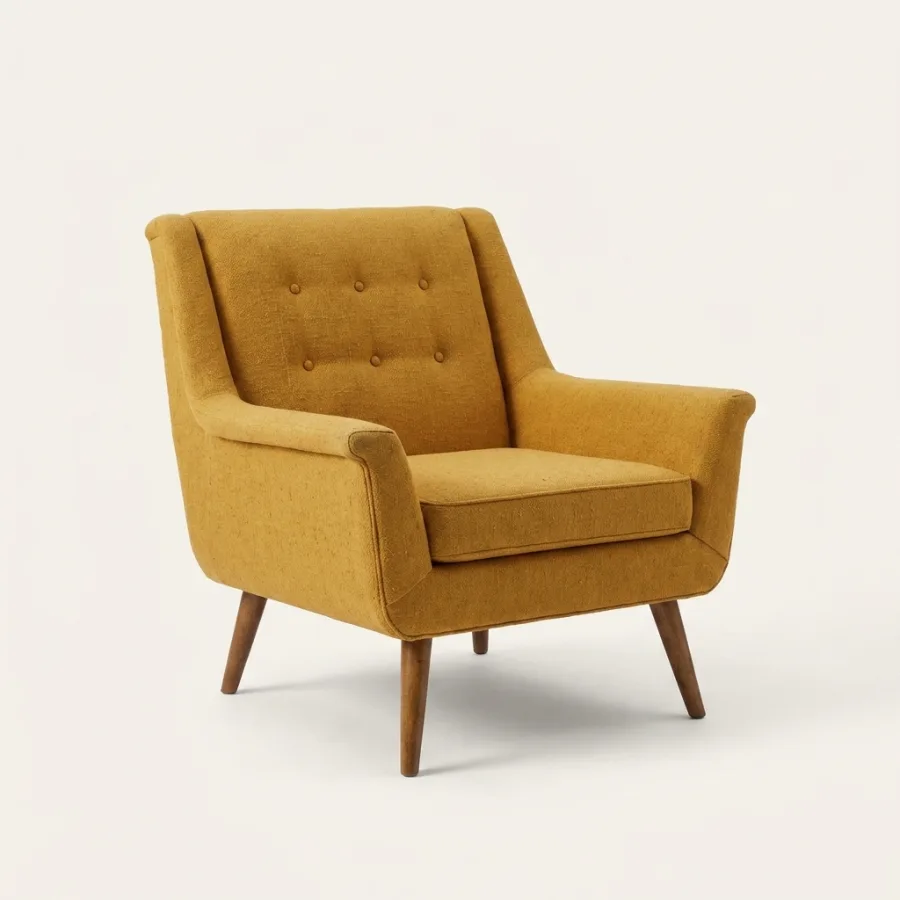 After
After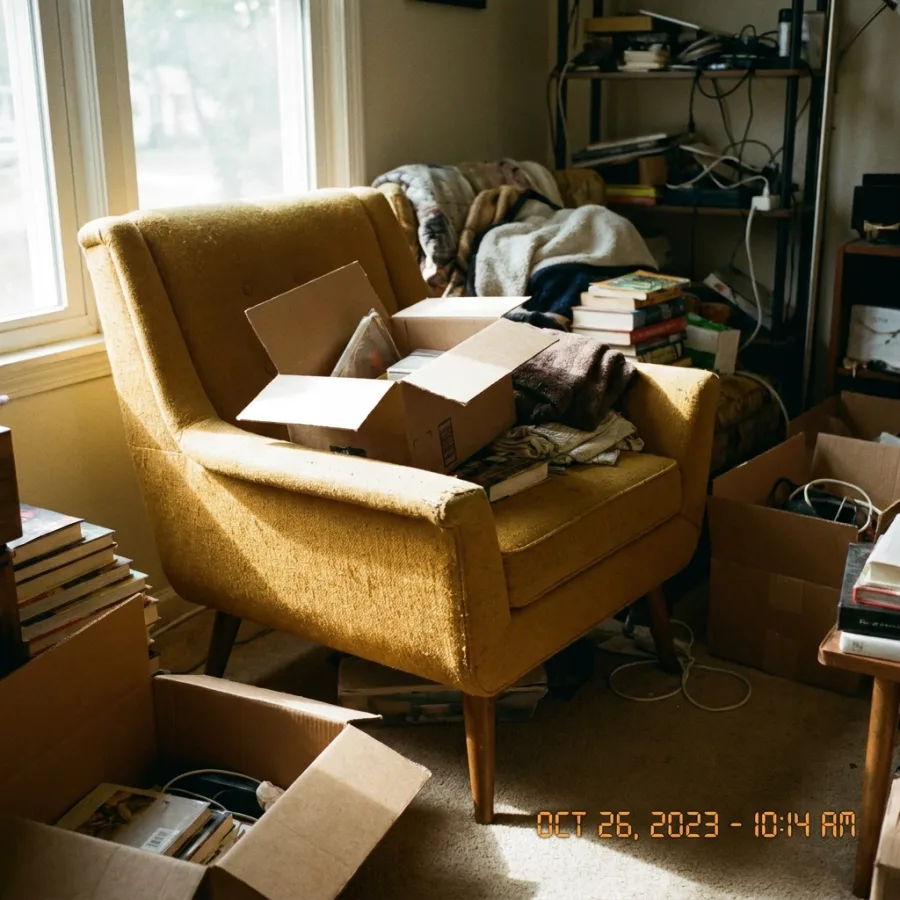 Before
Drag to compare — real Luvelano output
The sizes that matter, per platform
One rule covers most of it: square, 2000 px or more on the long side, sRGB JPG. The platform specifics below are what the rule is built from.
- 01
Shopify
Square product images up to 2048 × 2048 px are the safe standard — big enough for built-in zoom, small enough to load fast. The platform accepts far larger, but file size costs speed.
- 02
Amazon
Main image on pure white, product filling most of the frame, and at least 1000 px on the longest side to enable zoom — 1600 px or more is the practical minimum for detail-heavy products.
- 03
Etsy
Upload at least 2000 px on the shortest side. Search thumbnails crop toward 4:3, so keep the product centred with breathing room rather than edge-to-edge.
- 04
Your own webshop
Serve responsive sizes (thumbnail, listing, zoom) from one 2000+ px master. Never upload the master straight to a page — compression and lazy loading are what keep grids fast.
- 05
One master, many crops
Shoot or generate one high-resolution square master per product and derive every platform size from it. Re-cropping per platform from small originals is where quality dies.
Luvelano outputs high-resolution masters — and upscales existing images — so one generated packshot covers every platform size, with the product kept exactly identical.
Start free — no card neededFrom snapshot to shelf in three steps
No new gear, no learning curve. Luvelano does the studio work for you.
Upload your photo
One plain phone photo of your product is enough — no gear, no setup.
Pick a look
Studio packshot, lifestyle scene or on-model shot — you choose the output.
Publish
Download catalogue-ready images in minutes and put them straight on your shop.
Start free, upgrade when your shop grows
Paid plans from €19/month for your whole catalogue. Cancel anytime.
Frequently asked
What is the best product image size for Shopify?
Square, 2048 × 2048 px, sRGB JPG. It supports zoom, stays sharp on retina screens and keeps file sizes reasonable.
What are Amazon's product image requirements?
Main image on pure white with the product filling most of the frame, no props or text, and at least 1000 px on the longest side so zoom works. Check your category guidelines for specifics.
My source photos are too small — now what?
Upscale them. Luvelano's upscaler raises resolution while keeping the product identical, which is usually enough to reach every platform threshold from a decent phone photo.
Explore more solutions
See your own products transformed
Upload one photo and watch Luvelano stage it in seconds. Free to start — no card required.
Get started free