How to take product photos, at home, with a phone.
You do not need a camera, a studio or a course. You need daylight, a plain surface, a steady phone and ten minutes of care per product. This is the whole method — including where AI takes over.
Jewelry & watches · Furniture & interior
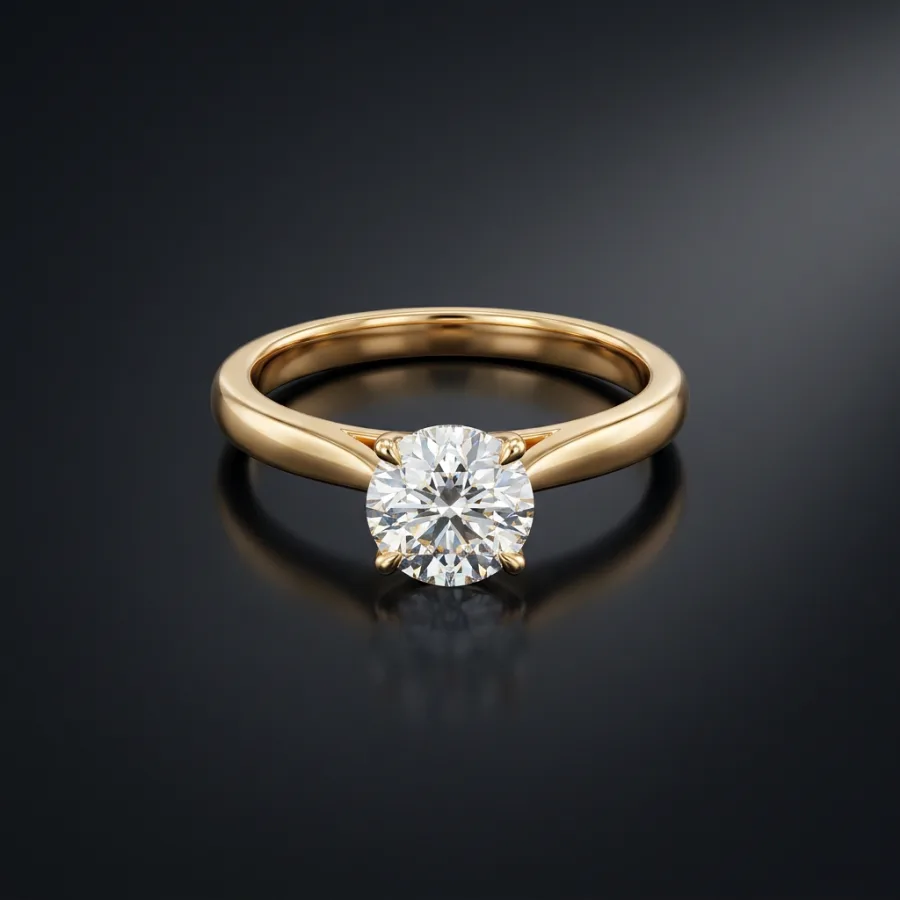 After
After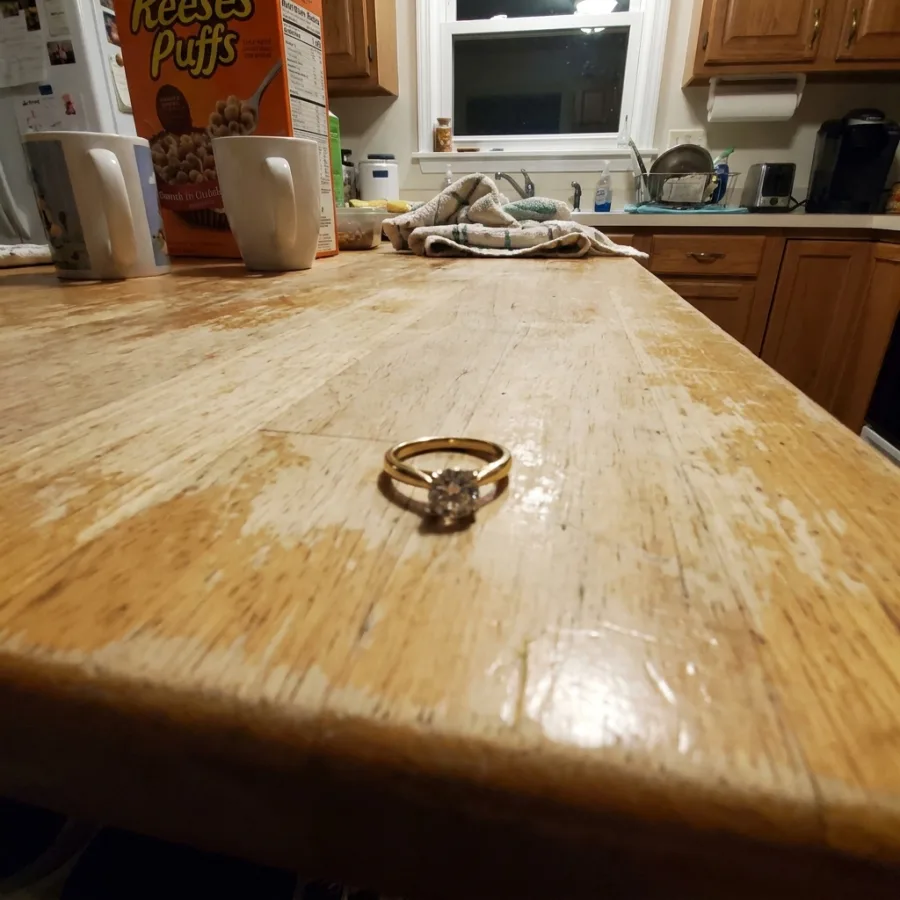 Before
Drag to compare — real Luvelano output
Product photos with a phone, start to finish
This method works on a kitchen table. It is also exactly how the 'before' photos on this site were taken.
- 01
Find indirect daylight
Next to a window, out of direct sun. Overcast days are a gift — the whole sky becomes a softbox.
- 02
Set a plain stage
A sheet of white or neutral paper, curved gently up against a wall so there is no horizon line. Clear everything else out of frame.
- 03
Clean the product properly
Dust, fingerprints and lint are invisible until they are enormous. Thirty seconds with a microfibre cloth saves an hour of editing.
- 04
Steady the phone and focus
Prop it or use a small tripod, tap to focus on the product, drag exposure slightly down to protect highlights, and use the timer.
- 05
Shoot more than you need
Every product: front, three-quarter, detail. Small angle changes read differently later — picking from ten frames costs nothing.
- 06
Edit lightly, or hand it over
Straighten, correct white balance, stop. Heavy filters break the accuracy a listing depends on. For the studio look, upload the best frame instead.
One honest phone photo is all Luvelano needs: it returns studio packshots, lifestyle scenes and on-model shots — with your product kept exactly identical.
Start free — no card neededFrom snapshot to shelf in three steps
No new gear, no learning curve. Luvelano does the studio work for you.
Upload your photo
One plain phone photo of your product is enough — no gear, no setup.
Pick a look
Studio packshot, lifestyle scene or on-model shot — you choose the output.
Publish
Download catalogue-ready images in minutes and put them straight on your shop.
Start free, upgrade when your shop grows
Paid plans from €19/month for your whole catalogue. Cancel anytime.
Frequently asked
How do I take product photos at home without equipment?
Window light, a sheet of paper as a backdrop, a cleaned product and a steadied phone. That combination covers the fundamentals that matter; the studio polish can be generated afterwards.
Are phone photos good enough for a webshop?
Modern phones are, if the light is soft and the phone is steady. What phones cannot do is studio consistency across a catalogue — that is the part worth automating.
How do I take product photos for Etsy?
Same method — daylight, plain backdrop, steady phone — then export at 2000 px or more on the shortest side, with the product centred for Etsy's 4:3 thumbnail crop.
Explore more solutions
See your own products transformed
Upload one photo and watch Luvelano stage it in seconds. Free to start — no card required.
Get started free