Backgrounds for product photos: what actually works.
The background is half the photo. White, colour, texture or scene — each has a job, and picking the wrong one is the fastest way to make a good product look cheap. Here is the decision, made simple.
Jewelry & watches · Furniture & interior
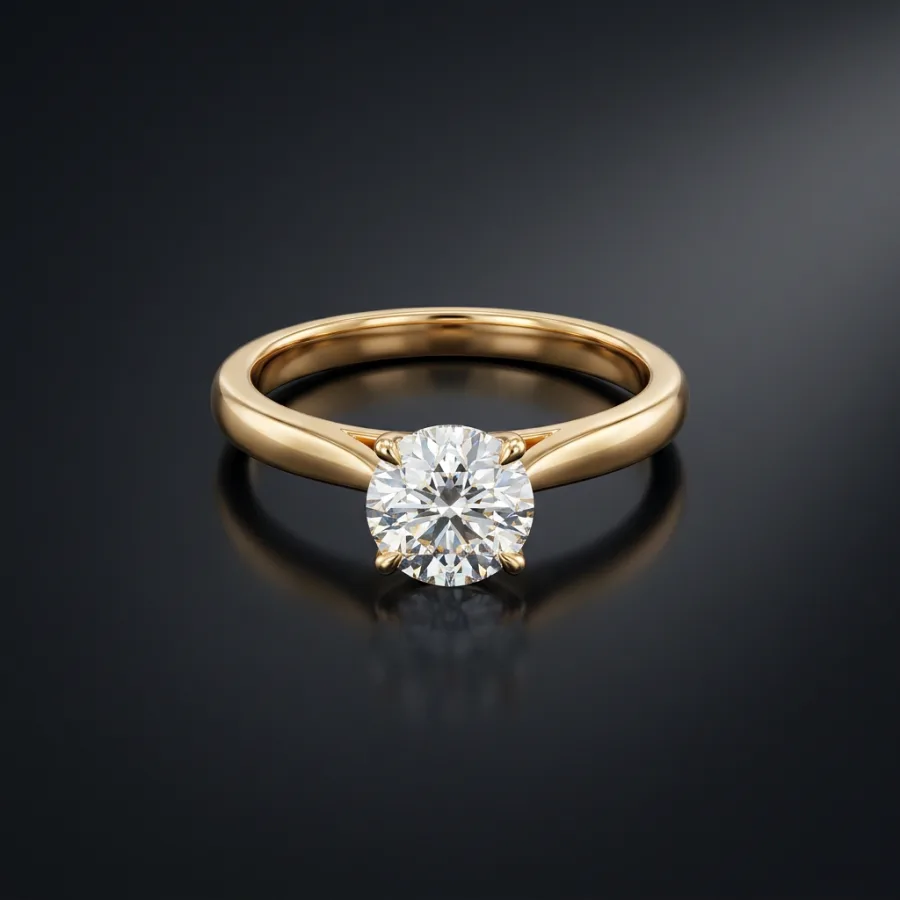 After
After Before
Drag to compare — real Luvelano output
Choosing a product photo background
Four questions decide it: where will the photo live, what is the product made of, what should the customer feel, and can you repeat it for every SKU?
- 01
White for the main image
Marketplaces expect it — Amazon requires pure white for the main shot — and it keeps category grids calm. Light grey is the softer alternative for your own shop.
- 02
Neutral texture for warmth
Paper, linen, plaster, stone. Texture adds a premium feel without stealing attention — keep it one tone and slightly out of focus.
- 03
Colour only with intent
A coloured backdrop is a brand statement. Pick one or two tones from your identity and use them consistently — a different colour per product reads as chaos.
- 04
Scenes for the story
A real setting — vanity, living room, desk — belongs in the supporting images, where it answers context questions. Rarely the main image.
- 05
Match the reflection
Glossy products mirror their surroundings. Whatever background you pick appears in the metal and glass — a lightbox or a generated background keeps those reflections clean.
With Luvelano you change the background without touching the product: upload once, generate white, textured or scene versions — the product itself stays exactly identical.
Start free — no card neededFrom snapshot to shelf in three steps
No new gear, no learning curve. Luvelano does the studio work for you.
Upload your photo
One plain phone photo of your product is enough — no gear, no setup.
Pick a look
Studio packshot, lifestyle scene or on-model shot — you choose the output.
Publish
Download catalogue-ready images in minutes and put them straight on your shop.
Start free, upgrade when your shop grows
Paid plans from €19/month for your whole catalogue. Cancel anytime.
Frequently asked
What is the best background for product photos?
For the main listing image: plain white or light neutral. For supporting images: quiet texture or a styled scene. The best background is the one you can repeat for every product.
Does Amazon require a white background?
Yes — the main image must be on pure white (RGB 255,255,255). Lifestyle and detail shots in the remaining slots may use other backgrounds.
Can I change a photo's background without re-shooting?
Yes. Upload your product photo and generate it on a new background — white, texture or a full scene — with the product kept exactly identical.
Explore more solutions
See your own products transformed
Upload one photo and watch Luvelano stage it in seconds. Free to start — no card required.
Get started free